Independent verification
Open a Delphi certificate.
Enter the eight-character code from a certificate or QR code — the form shown on the certificate itself, such as VQM0-DYK8. No account is required, and you do not need any relationship with Delphi to inspect the evidence.
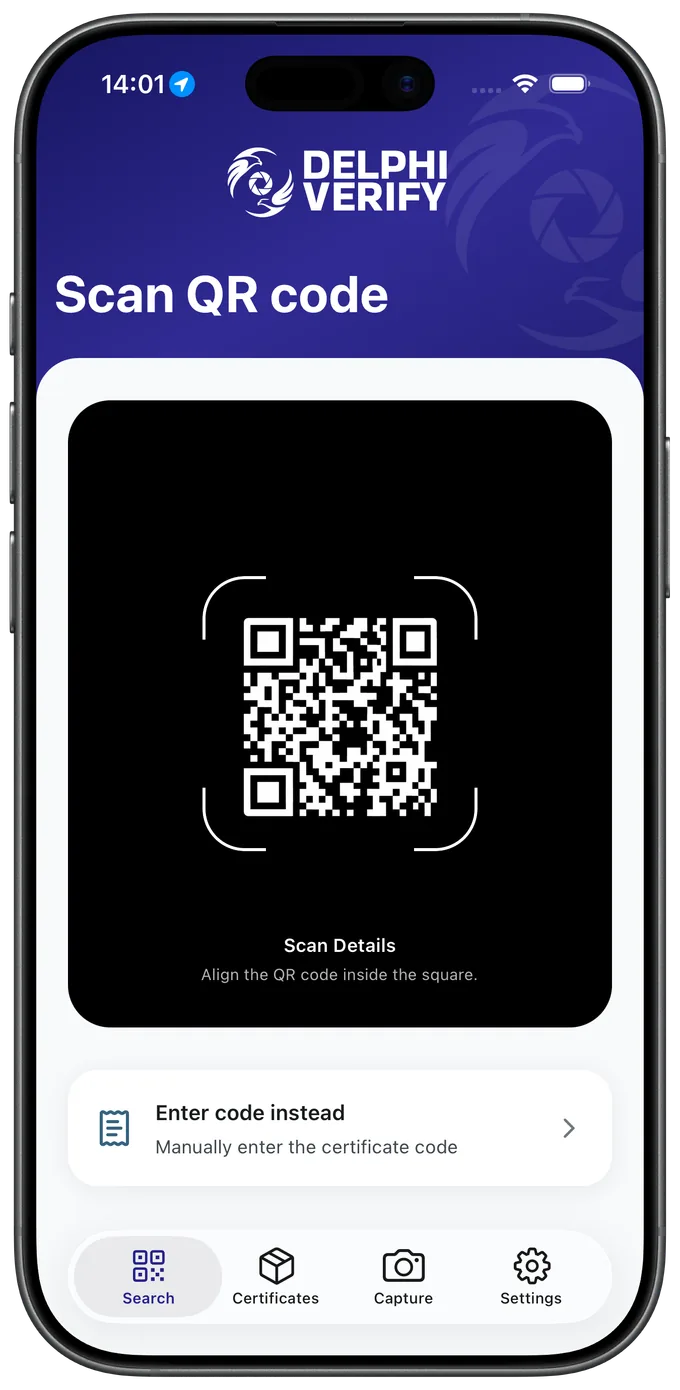
Or scan the code.
Certificates carry a QR code alongside the eight-character reference. Scanning it in the Delphi Verify app opens the same report — and so does pointing any phone camera at it.
What you will see
The evidence itself, the device-reported capture time, location and accuracy, the number and type of files, and the verification status of both capture and device.
How to check it yourself
The report includes an independent-verification section exposing decoded proof fields and SHA-256 media hashes, so you can recompute them rather than trusting the interface.
What the anchor proves
A confirmed certificate links to its Ethereum Attestation Service record on Base mainnet. That establishes the proof existed in that exact form at that time, on a record Delphi does not control.